There’s a scene we’ve watched play out more than once. A wholesaler launches a shiny new B2B portal. Emails go out, the sales team mentions it on calls, and a few weeks later someone checks the numbers. Hardly anyone’s using it.
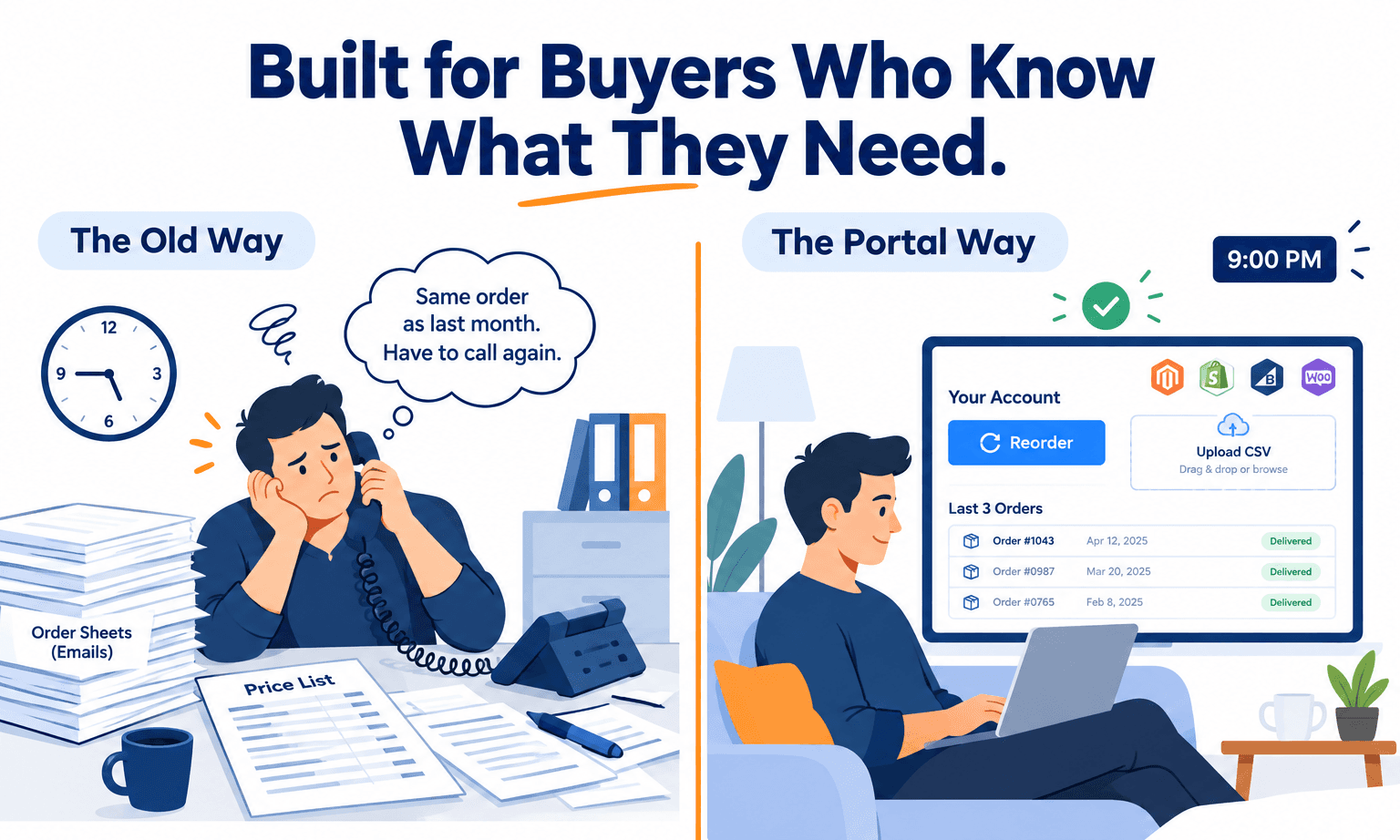
Buyers still phone their rep. They still email spreadsheets. An account manager still spends Monday morning typing orders into a system that was supposed to take that job away. The portal is sitting there, working perfectly, and nobody’s interested.
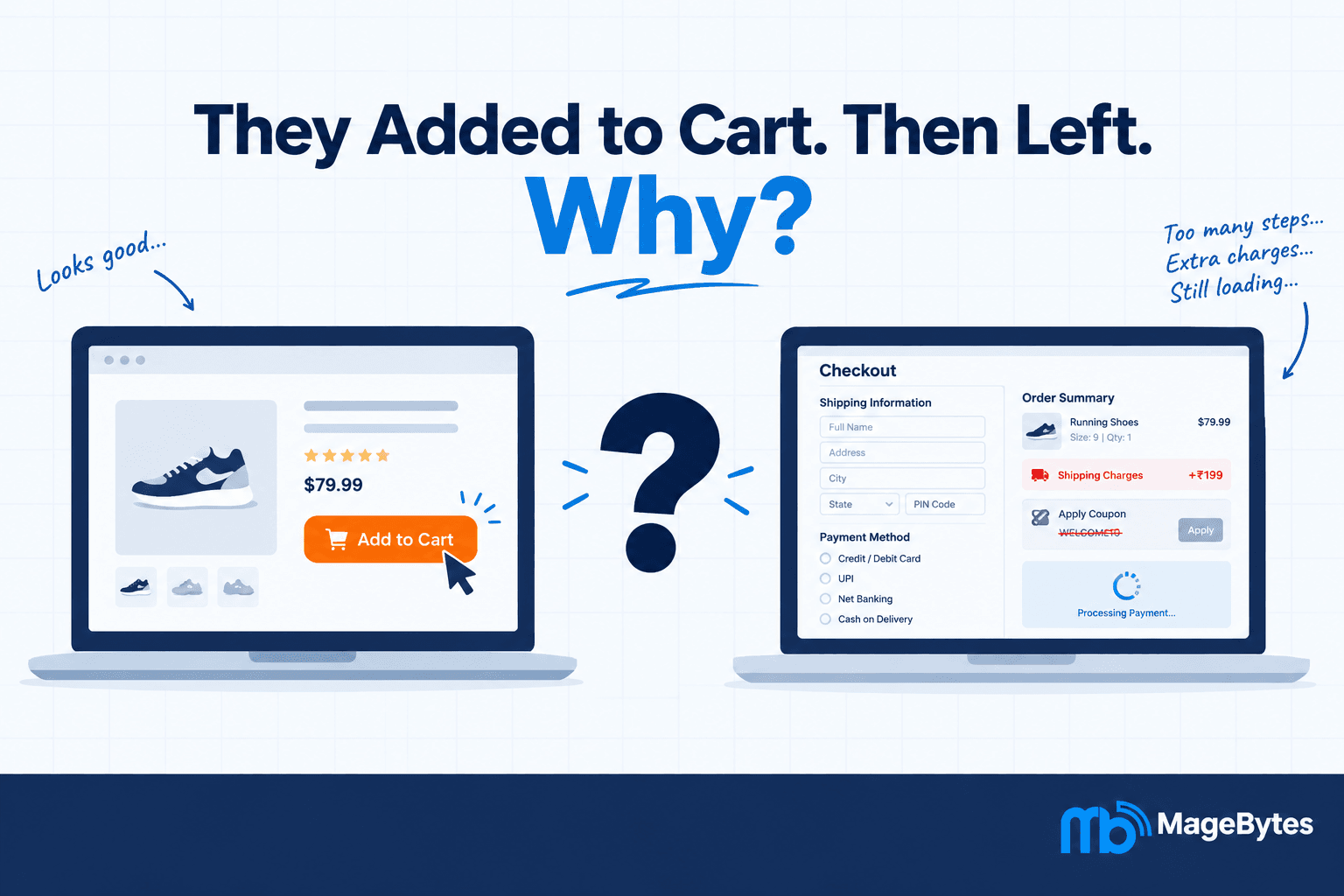
When that happens, the first instinct is to blame the technology. Usually it isn’t the technology. The portal was built around what the seller wanted to see, not around what the buyer was trying to get done.
We build these for manufacturers, distributors and wholesalers, and we’re also called in to work out why existing ones flopped. This is what we’ve learned. If you’d like help with your own, our ecommerce development services cover Magento, Shopify Plus, BigCommerce and WooCommerce builds.
Why Buyers Ignore Portals
Let’s start with the failures, because they’re predictable.
The price on screen isn’t their priceThis one kills trust faster than anything. A buyer logs in, sees the standard price list, and immediately picks up the phone to check what they’ll really pay. Once that happens, the portal has lost. It needs to show their contract price from the second they sign in, not after a setup phase somebody gets round to later.
They’re drowning in a catalogue they don’t need
A buyer who orders the same 200 products all year doesn’t want to scroll through 15,000. Give them their own view, with the things they actually buy near the top. Otherwise the portal’s slower than calling, and calling wins.
It ignores how they order
Nobody in procurement starts with a blank search box. They start with a list. Last month’s order, a spreadsheet, a pick sheet from the warehouse. If your portal makes them search for each item and add it one at a time, you’ve made email look quick.
The data’s stale
Stock figures from yesterday, prices that don’t match the invoice, order status that only updates overnight. One bad surprise and a buyer stops trusting everything on the screen. After that they just ring someone who can give them a straight answer.
Before building anything, ask one question: why would a buyer choose this over emailing their rep? If you can’t answer it in a sentence, fix that first.
What Actually Gets Buyers to Switch
There’s no magic feature. It’s a handful of unglamorous ones, done properly. Here they are in roughly the order we’d build them.
1. Their own prices, shown straight away
Not a retail price with a discount note beside it. The actual net price they’ve agreed to pay. On Magento and Adobe Commerce that means company pricing and shared catalogues set up properly. On Shopify Plus it’s B2B catalogues assigned to each company. On BigCommerce it’s customer group price lists. Showing volume breaks at the cart is a nice extra too, since buyers will happily bump their quantity to hit a better tier.
2. Reorder in two clicks
Most B2B orders are a tweak of the last one. A distributor restocking the same 35 products every month needs one thing: last month’s order, a chance to change a few quantities, and checkout. If a returning buyer can finish a routine order in a few minutes, you’ve won them. If the order history is buried or shows old prices, you haven’t.
3. Quick order with SKU entry and CSV upload
This is the feature that most reliably ends phone ordering. Let people type SKUs with autocomplete, or upload a CSV exported from their own system, and check each line against live stock before it hits the cart. Our Magento 2 Quick Order extension does exactly this for every product type, including configurables, with a preview before add to cart.
4. Stock they can trust, by location
A national stock figure doesn’t help a buyer with a delivery deadline. They need to know what’s at the warehouse that serves them, and when more is due. Getting that into the portal in real time usually means a proper ERP and ecommerce integration, and it’s often the most valuable piece of the whole build.
5. Roles and approvals
Real companies don’t buy through one login. Someone raises the order, someone else approves it, and finance only wants invoices. Without roles, people share passwords or forward screenshots, which is worse than the phone. Adobe Commerce handles company accounts with sub-users natively. On Shopify Plus and BigCommerce it depends how complicated the approval chain is, and sometimes needs custom work.
6. Invoices and payment terms that fit the account
Buyers come back often if they can download invoices, see their balance and pay online without ringing finance. It also helps to show net terms or purchase order payment only to trade accounts, and keep card options for everyone else. Our Payment Restriction extension handles that by customer group on Magento. The same logic works for delivery, so freight and pickup can go to trade accounts only through the Shipping Restriction extension.
7. Quotes inside the portal
Big orders and new accounts often need a quote first. If that conversation has to leave the portal and go back to email, you’ve lost a reason for them to stay. A request for quote flow, where the buyer asks, sales respond and the accepted quote turns into an order, closes that gap. The B2B Suite for Magento 2 includes it, along with company accounts and customer group pricing.
The Part Nobody Sees: Integrations
Everything above runs on data, and the data lives somewhere else. Prices sit in the ERP or the pricing layer. Stock lives in the warehouse system. Order status comes from order management. Invoices come from accounts.
If those connections are nightly batch jobs or manual exports, buyers will notice within a week, and they’ll stop believing the screen. If they’re live API connections, the portal feels like a window into your business, and that’s when it starts beating the phone.
This is the bit that’s usually under-scoped at the start and turns into the real bottleneck after launch. We’d sort the data flows out in the planning stage, before anyone designs a button. Connecting a storefront to an ERP or CRM is a regular part of our software and ecommerce development work, and it’s worth a proper conversation early.
Picking a Platform
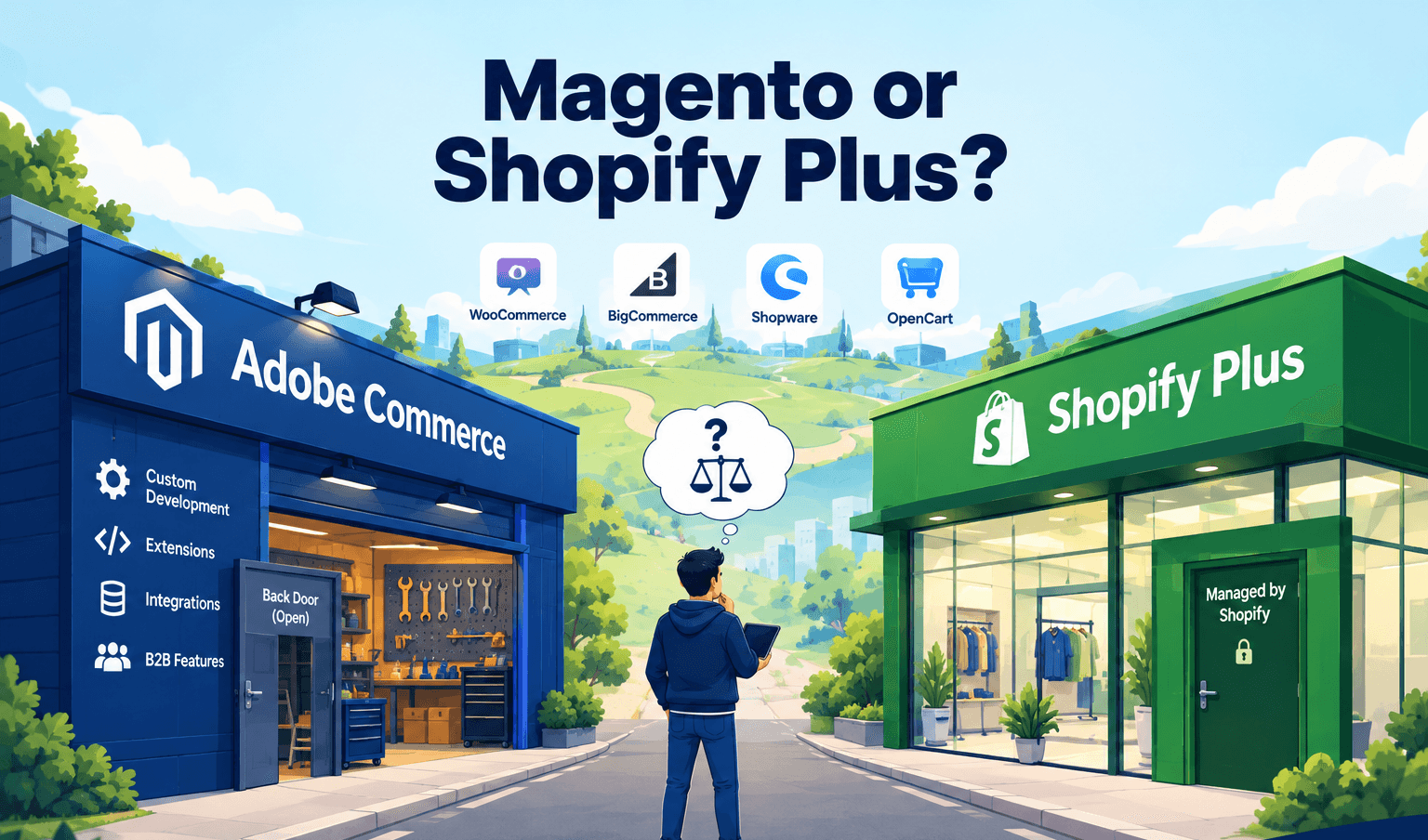
Adobe Commerce has the deepest B2B toolkit built in: company accounts, shared catalogues, purchase order workflows, requisition lists and quotes. It’s the strongest starting point for complicated setups, though it costs more and needs more looking after.
Shopify Plus has come a long way on B2B and now covers company accounts, custom catalogues and payment terms. If your needs are mostly pricing and catalogue control, without long approval chains, it’s a lighter and cheaper way in.
BigCommerce sits in the middle, with solid native B2B features and a dedicated B2B edition. It’s worth a look if Shopify Plus feels too light and Adobe Commerce too heavy.
WooCommerce can work for smaller operations, usually with a few plugins stitched together. It can struggle once you’ve got a big catalogue with account specific pricing, so we’d be cautious about scaling it.
A Sensible Order to Build It In
If budget or time is tight, you don’t need everything on day one. This is the order we’d go in:
- First: account pricing, reorder from history, and quick order. These three win most of the adoption.
- Second: live stock and order status through proper integrations.
- Third: invoices, balances and payment terms.
- Fourth: roles, approvals and quotes, once you see how buyers behave.
Then ask a few of your best buyers to try it before you tell everyone else. Ten minutes watching a real buyer struggle with a screen will teach you more than a month of internal testing.
It’s a Design Problem First
Every major platform can run a good B2B portal. What separates the ones people use from the ones they ignore is whether somebody designed it around the buyer’s Tuesday afternoon, rather than the seller’s database.
The moment a portal takes over is usually small. A buyer uploads a CSV, the order goes through cleanly, and they realise they’ll never email that spreadsheet again. Build toward that moment.
If you’re planning a portal, or you’ve got one that isn’t getting used, talk to the MageBytes team. We’ll tell you what we’d change, and we’re happy to say so even when it’s simpler than a rebuild.
Want a B2B Portal Your Clients Will Actually Use? We build B2B portals on Magento, Adobe Commerce, Shopify Plus and BigCommerce, with the integrations planned properly from the start. Talk to our B2B team.