As WooCommerce stores grow, traffic spikes, product catalogs expand, and performance challenges become unavoidable. Slow page loads, checkout delays, and server overload directly impact conversions, SEO rankings, and customer experience.
That’s why WooCommerce performance optimization is not optional for high-traffic stores — it’s essential for scalability and revenue growth.
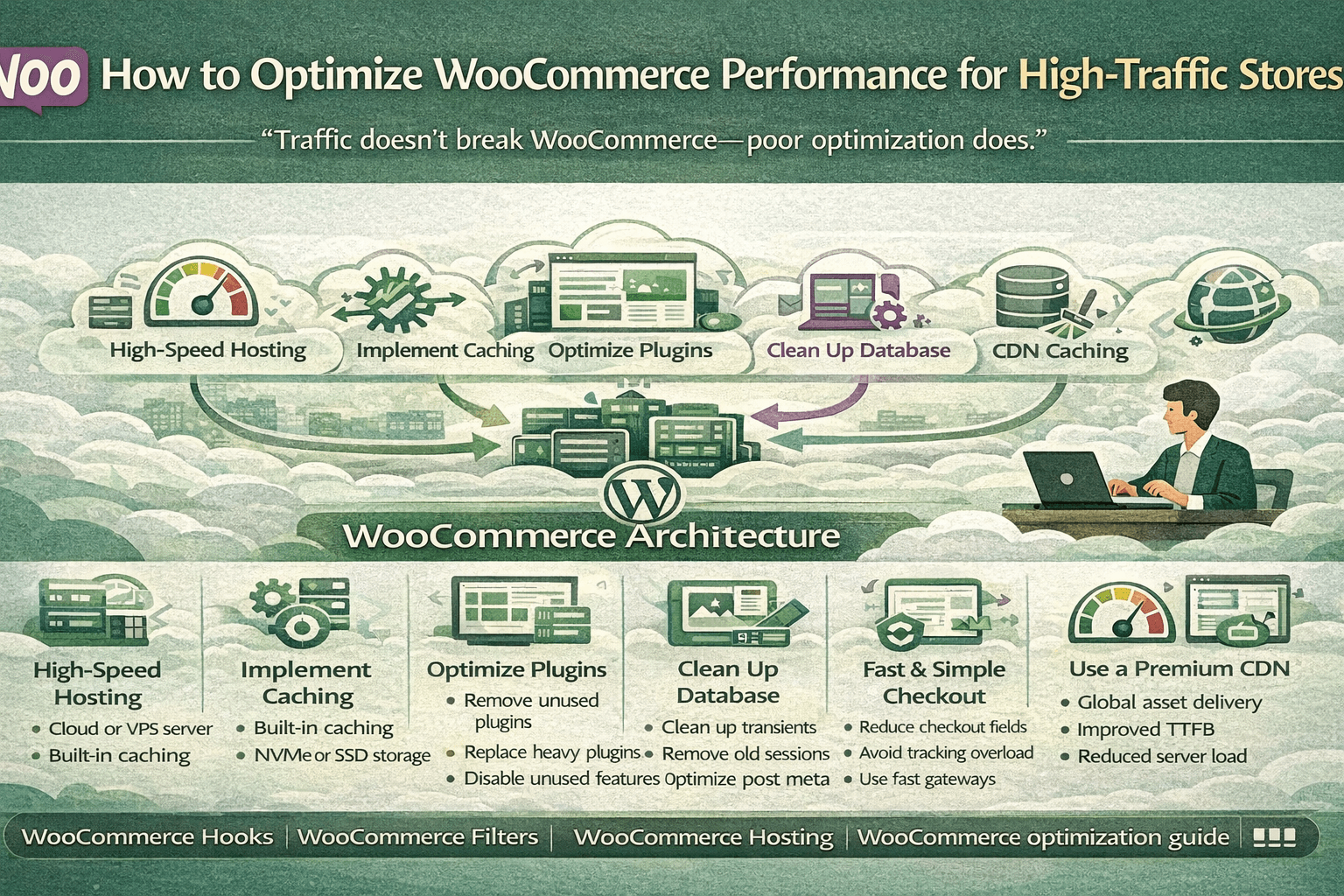
“Traffic doesn’t break WooCommerce — poor optimization does.”
Why WooCommerce Performance Matters
Even a one-second delay can significantly reduce conversions.
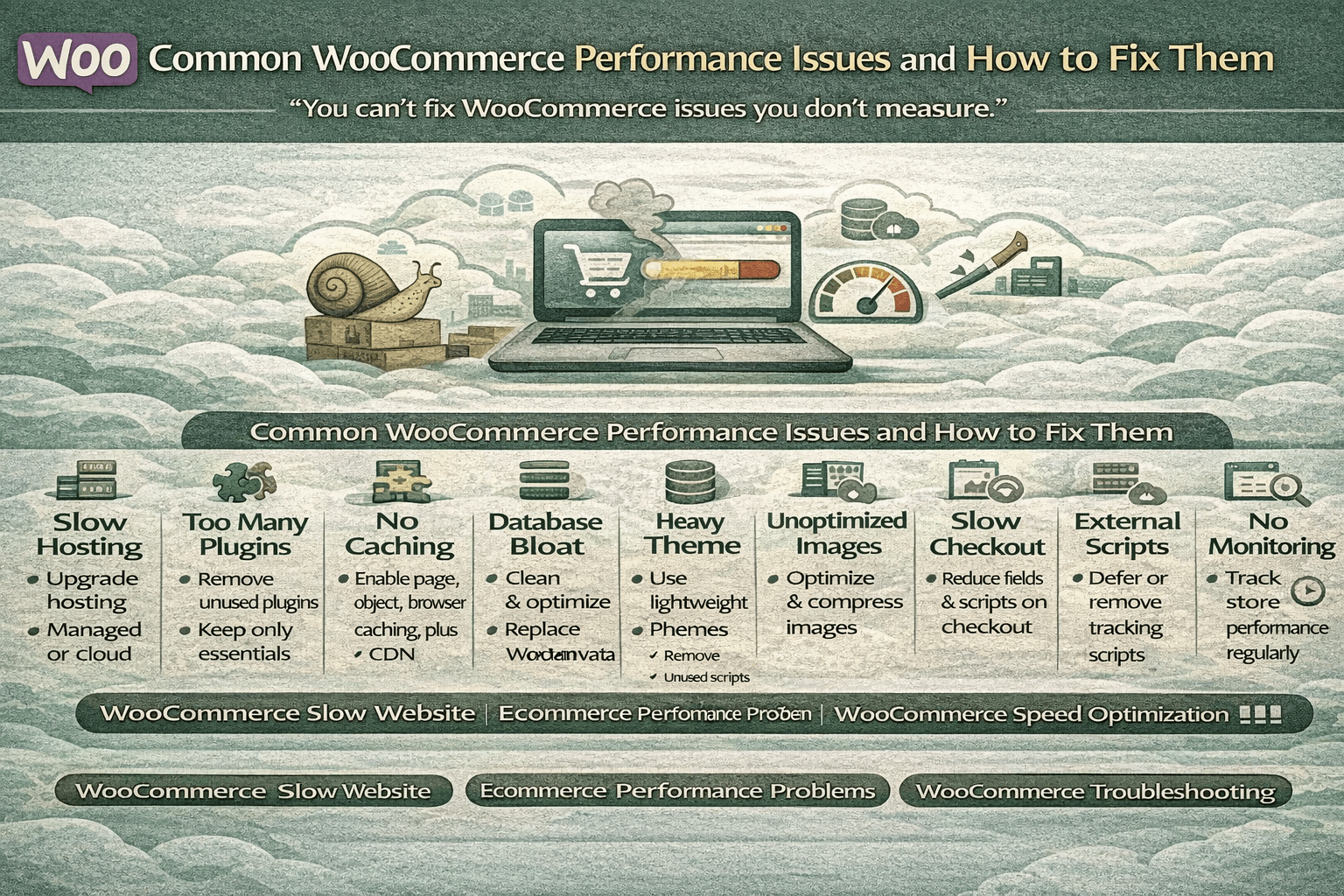
Poor WooCommerce performance leads to:
- Slow page load times
- Cart and checkout failures
- High bounce rates
- Poor Core Web Vitals
- Lost revenue during traffic peaks
High-traffic stores must be optimized at server, caching, database, and plugin levels.
1. Choose High-Performance WooCommerce Hosting
Hosting is the foundation of performance.
Recommended Hosting Features
- Dedicated or cloud servers
- Optimized PHP workers
- NVMe SSD storage
- Built-in object caching
- Server-level caching
- Automatic scaling
Best Hosting Types for High Traffic
- Managed WooCommerce hosting
- VPS or cloud hosting (AWS, DigitalOcean, GCP)
- LiteSpeed or NGINX servers
“No amount of caching can fix slow hosting.”
2. Implement Proper Caching Strategy
Caching dramatically reduces server load.
Types of Caching for WooCommerce
Page Caching
- Used for static pages
- Must exclude cart, checkout, and account pages
Object Caching
- Redis or Memcached
- Speeds up database queries
Browser Caching
- Caches CSS, JS, and images
CDN Caching
- Distributes assets globally
- Reduces server latency
WooCommerce stores benefit the most from object caching + CDN.
3. Optimize WooCommerce Plugins
Plugins are the most common performance bottleneck.
Plugin Optimization Best Practices
- Remove unused plugins
- Avoid plugins doing the same job
- Replace heavy plugins with lightweight alternatives
- Disable plugin features you don’t use
- Avoid real-time analytics plugins on production
Fewer plugins = faster WooCommerce performance.
“Every plugin adds functionality — and overhead.”
4. Optimize WooCommerce Database
High-traffic stores generate massive data.
Database Optimization Tips
- Clean expired transients
- Remove old sessions
- Optimize post meta tables
- Limit revision history
- Schedule automatic cleanup
Using Redis object cache significantly reduces database load.
5. Optimize Themes & Frontend Performance
Frontend speed affects Core Web Vitals.
Theme Optimization Tips
- Use lightweight WooCommerce themes
- Avoid page builders where possible
- Remove unused scripts and styles
- Defer non-critical JavaScript
- Minify CSS and JS files
Heavy themes can slow stores even on powerful servers.
6. Optimize Images & Media
Images are one of the biggest contributors to slow pages.
Image Optimization Techniques
- Compress images automatically
- Serve WebP format
- Use lazy loading
- Avoid oversized product images
- Optimize thumbnails
Optimized images drastically improve LCP scores.
7. Optimize Checkout Performance
Checkout must be lightning fast.
Checkout Optimization Tips
- Reduce checkout fields
- Disable unnecessary scripts on checkout
- Avoid third-party tracking overload
- Use lightweight payment gateways
- Cache everything except dynamic pages
“Checkout speed directly impacts revenue.”
8. Use CDN for Global Traffic
A CDN is mandatory for high-traffic stores.
CDN Benefits
- Faster global delivery
- Reduced server load
- Improved Time to First Byte (TTFB)
- Better SEO performance
Popular CDNs include Cloudflare, Bunny.net, and Fastly.
9. Monitor Performance Continuously
Optimization is not a one-time task.
Recommended Tools
- Google PageSpeed Insights
- Lighthouse
- GTmetrix
- Query Monitor
- New Relic
Track metrics like:
- LCP
- CLS
- INP
- TTFB
“You can’t optimize what you don’t measure.”
10. Performance Checklist for High-Traffic WooCommerce Stores
✔ High-performance hosting
✔ Redis or object caching
✔ CDN enabled
✔ Optimized plugins
✔ Clean database
✔ Lightweight theme
✔ Optimized images
✔ Fast checkout flow
Conclusion
High-traffic WooCommerce stores demand more than basic optimization. True WooCommerce performance optimization requires a combined strategy across hosting, caching, plugins, database, and frontend performance.
When done correctly, WooCommerce can scale reliably — even during traffic spikes and peak sales events.
“Speed is not a technical metric — it’s a conversion strategy.”